Agent
Get into production today
See the world, understand what's happening, and take action.
Explore Agent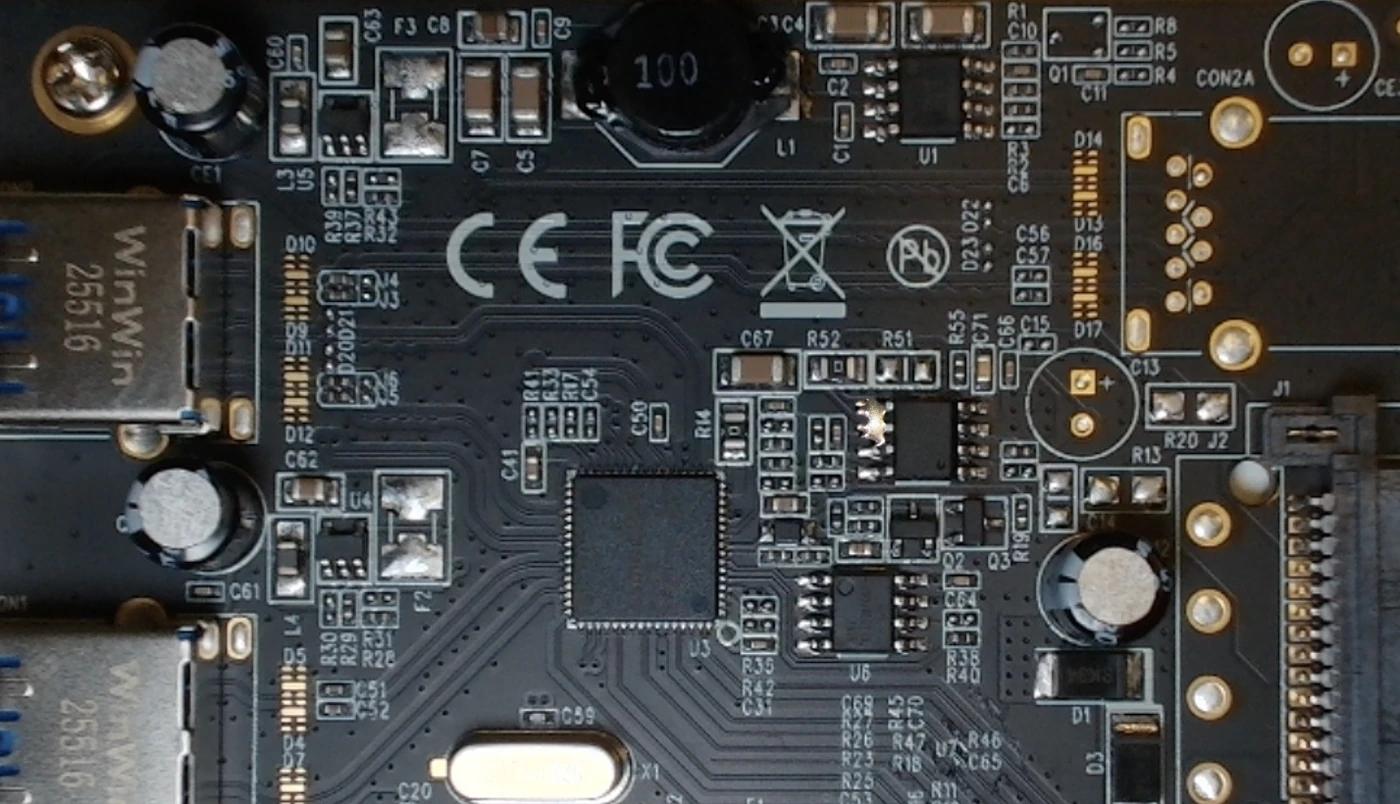
Defect: Solder Bridge

Trusted at scale
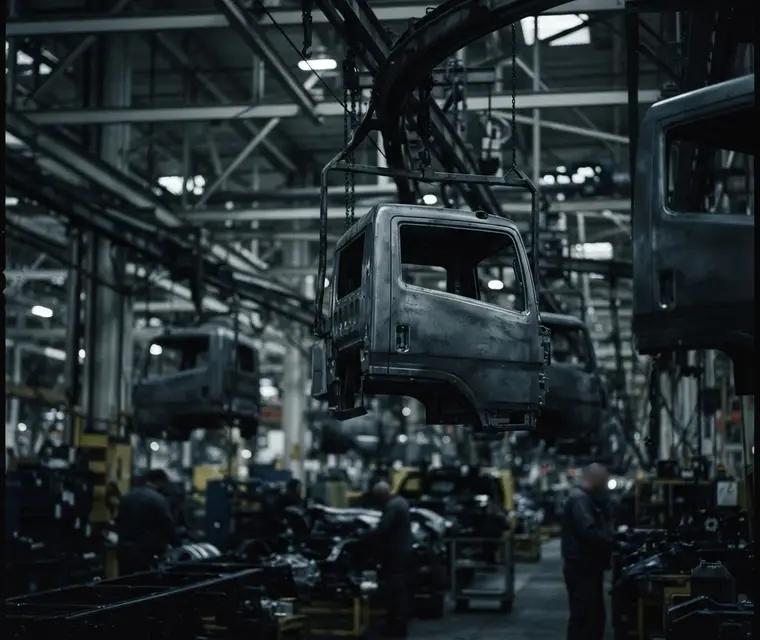 Rivian
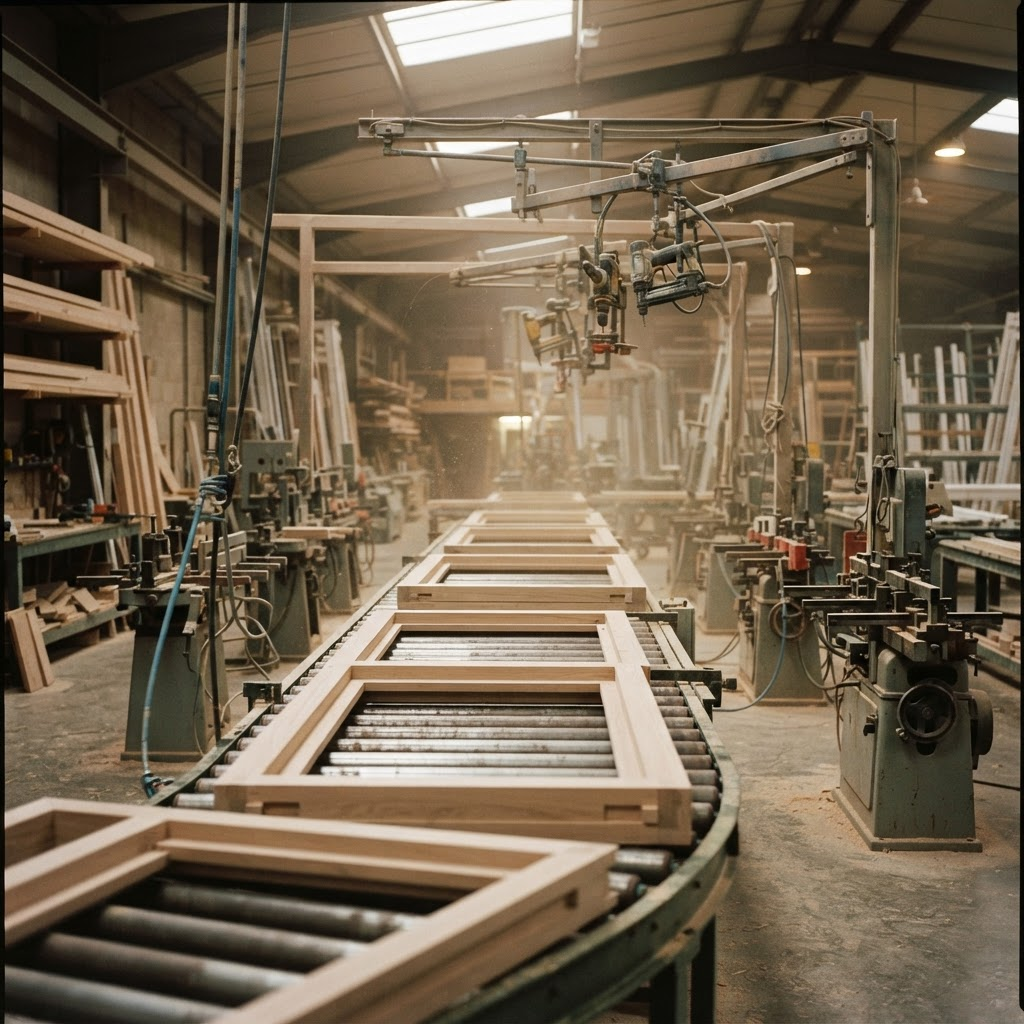 Pella
Pella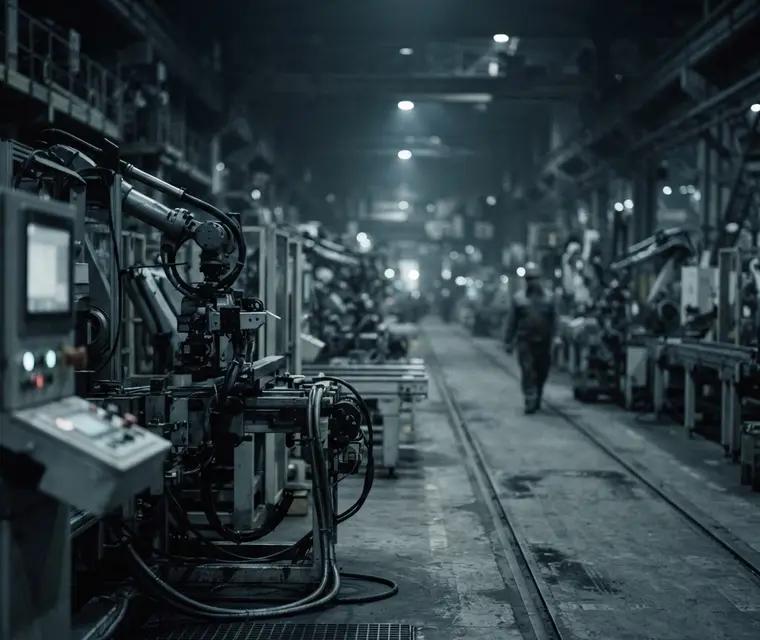 Chobani
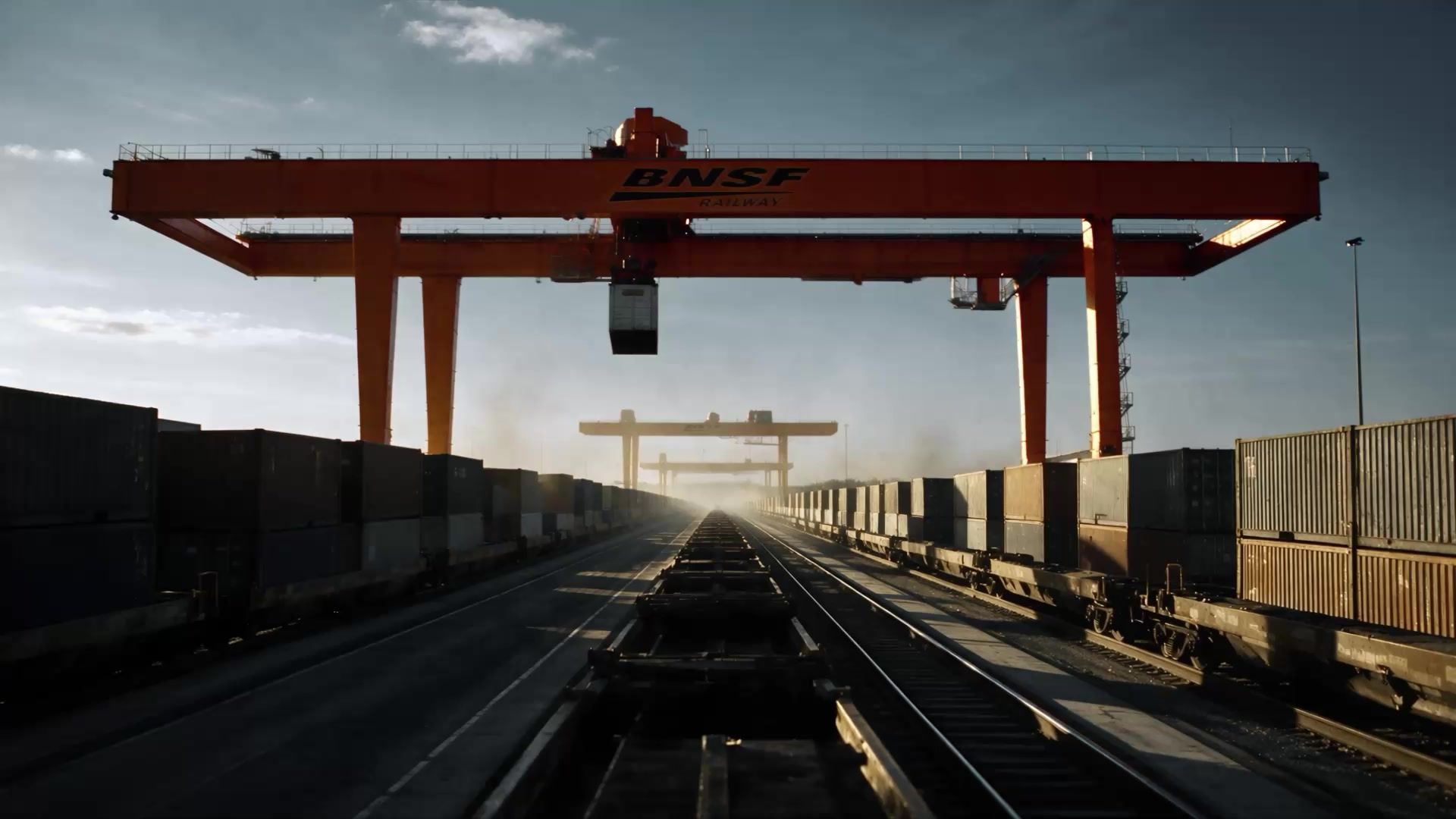 BNSF Railway customer story
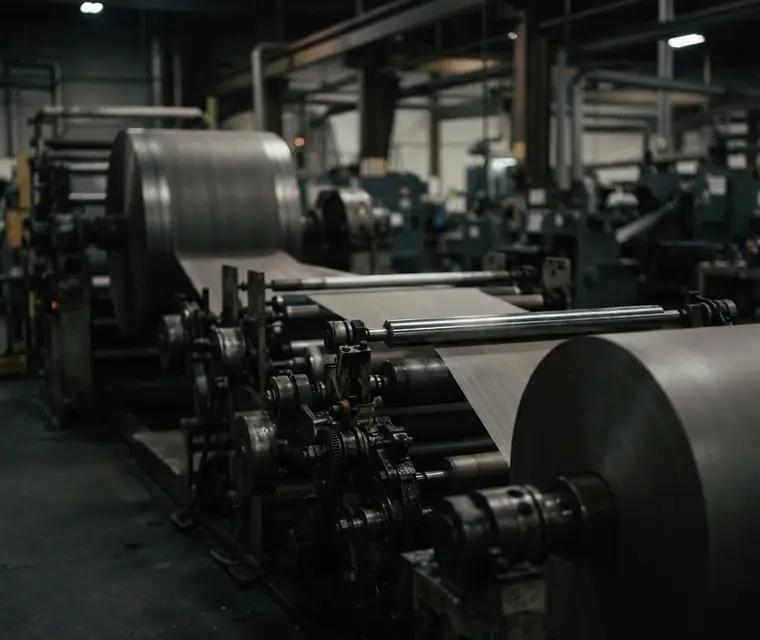 American Woodmark
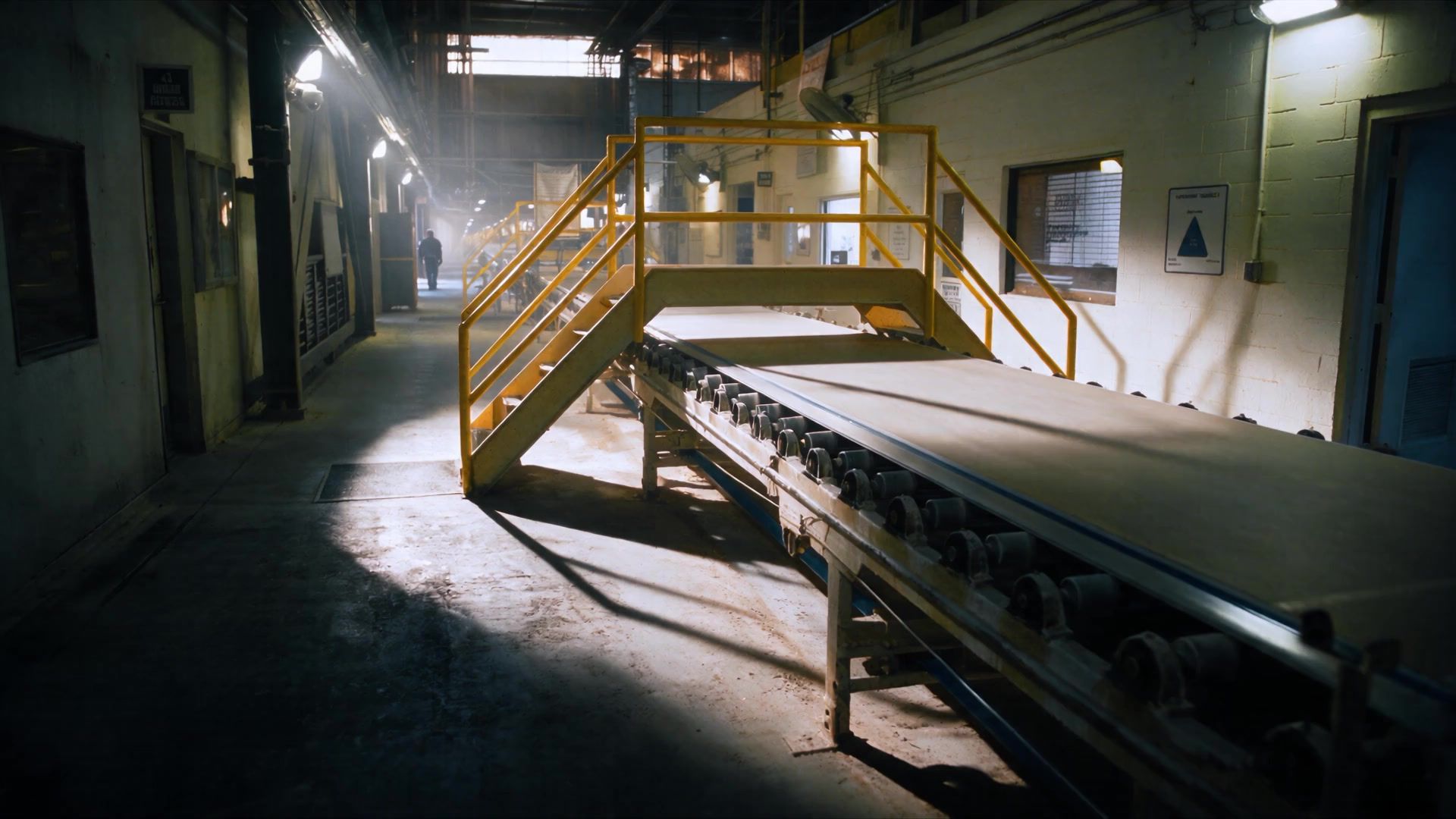 USG Corporation customer story
 Patrick Industries
 Outcomes
 Peer Robotics customer story
Outcomes
Roboflow turns images, videos, and streams into intelligence.
Catch defects
Predict maintenance
Improve safety
Gain visibility
Inspect infrastructure
Guide machines
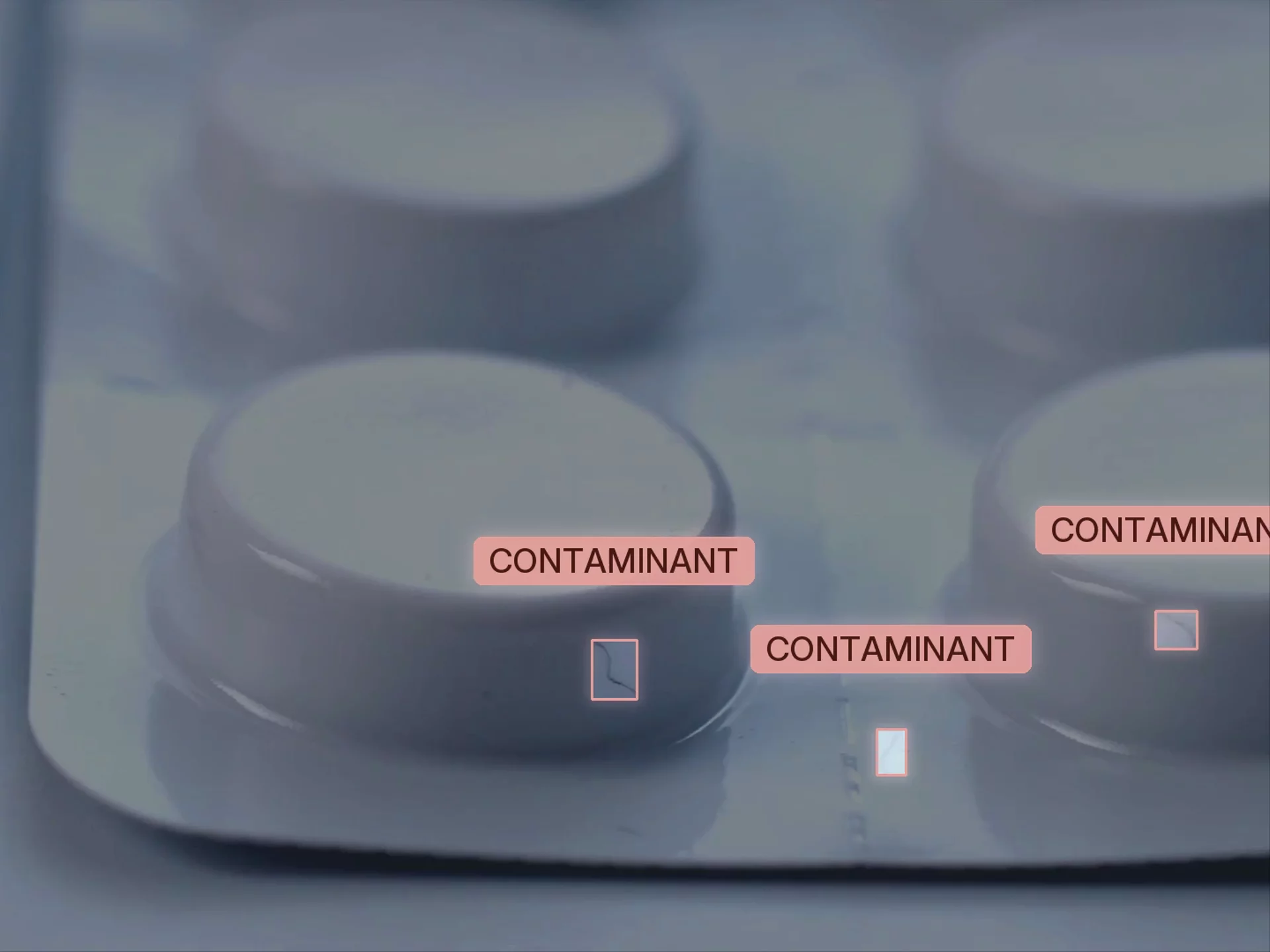
Verify prescriptions
Check specifications

Intermodal yard — container inventory in motion
Roboflow is helping us immediately realize value from state-of-the-art computer vision technology.
BNSF, the largest freight operator in North America, moves 4.8 million carloads a year. Vision AI now runs their intermodal yard inventory and inspects train wheels automatically, across thousands of miles of network.
Read story about BNSF
Plant floor — edge inference on production line
With Roboflow, we were able to create a highly accurate model, based on data we own.
USG, the largest manufacturer of gypsum products, runs edge-optimized vision AI across a network of more than 50 manufacturing sites to prevent unplanned downtime and keep quality consistent.
Read story about USG
Assembly line — defect detection overlay
Roboflow has been instrumental in accelerating our deployment of innovative AI solutions.
Pella, one of the largest window and door makers in the U.S., is putting vision AI on its production lines to spot defects earlier and cut waste.
Platform
Over 2M developers build with Roboflow. Plans start at $0.
Agent
See the world, understand what's happening, and take action.
Explore AgentWorkflows
Combine models, orchestrate actions, update databases, and plug into industrial systems.
Explore Workflows
Deploy
Process live video or images with high-speed vision inference, in the cloud or edge.
Explore Deploy
Analyze
Query events from every camera, see what your AI sees, and react immediately.
Explore DeployAnnotate
Annotate thousands of images in minutes using frontier models and custom filters.
Explore Annotate
For developers
Connect your coding agent, like Claude Code, Codex, or Cursor, and give it the tools and infrastructure it needs to make deployable vision applications.
Paste it into your coding agent and it walks you through the rest. Setting up by hand? The server is https://mcp.roboflow.com/mcp.
Open the Roboflow listing, select Connect, then sign in to Roboflow. Available on desktop, web and mobile.
Run these commands in your terminal, then sign in to Roboflow. Claude Code CLI has no documented browser install link.
Opens the Roboflow plugin listing. Sign in if prompted and confirm the install on Cursor to add MCP and skills.
Opens the Roboflow plugin listing. Install the plugin and sign in to Roboflow when prompted to connect your account.
Opens the Roboflow plugin listing shared by ChatGPT and Codex. Install the plugin and sign in to Roboflow when prompted to connect your account.
Then run /mcp auth roboflow in Gemini CLI to sign in. Gemini CLI has no documented browser install link.
For developers, engineers, and technical founders who want to get hands on. Try the free tier; the docs are open.
For heads of AI, operations leaders, and enterprise teams. Bring a known problem, or work with us to find the first one worth taking on.